
Analyze the Steps
That Matter Most
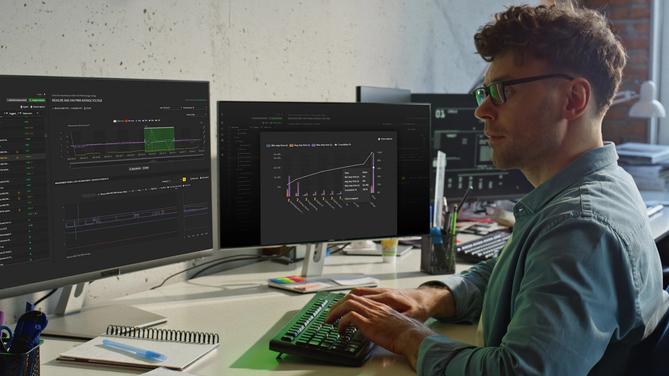
Test step analysis provides powerful tools to analyze specific test steps of one or more sequences. It enables a visual representation of the actual measurements as well as analysis for top failing, most time-consuming steps, cpk metrics and more.
Analyze Test Steps in Depth Find Root Causes of Failures
Pinpoint exactly where and why your products fail. WATS Test Step Analysis lets you investigate test sequences in detail, down to each individual measurement. Find the top offenders, compare performance across steps, and detect trends impacting yield and quality.
Identify Top Problem Areas Instantly
Use built‑in Pareto charts for the “Top 10” most failed, slowest, or lowest Cpk steps. Visually highlight problematic processes that demand attention, ensuring quick prioritization for corrective actions.
Go Granular With Measurement‑Level Insights
Drill into Step Details to analyze measurements with advanced filtering, aggregation, and graphical tools. Compare multiple steps side‑by‑side, apply time‑based filters, and focus on key thresholds for precision troubleshooting.
Compare and Correlate Critical Steps
Leverage the Step Comparison view to study correlations between different test steps. Detect dependencies, align process optimizations, and uncover anomalies before they impact production efficiency.

From Overview to Workbench Precision
WATS gives you multiple ways to view the same step-level data. You can go from overview dashboards to the step details module with workbench, step charts, step comparison plots etc. This allow switching between aggregated and individual data, grouping and splitting charts, so you always see what matters most in the moment.
Switch Between Aggregate and Individual Views
Toggle between aggregated performance trends and individual measurement traces, enabling a balance of high‑level monitoring and deep root‑cause analysis.
Control How Data is Grouped and Split
Group steps by product, process, or station, and split charts vertically for intuitive side‑by‑side comparisons. Granular query options allow merging or separating steps for maximum flexibility.
Identify Outliers and Track Key Metrics in Real Time
Instantly spot outliers and monitor critical KPIs by applying dynamic limits, min/max filters, and real‑time statistical summaries—directly within your workbench charts for faster decision‑making without leaving the platform.

Monitor Process Stability and Step Efficiency
Use Test Step Analysis to monitor critical process capability, time usage, and limit violations for every measurement.
Monitor Process Capability in Real Time
Track Cpk and Cp metrics for every measurement, both including and excluding failures, to assess process stability and identify where tighter controls are needed.
Target Costly or Inefficient Steps
Identify passed steps consuming excessive time. Optimize these without sacrificing quality to improve throughput and reduce operational costs.
Pinpoint Underperforming Steps with Detailed Metrics
Use built‑in step analysis to rank your top failure causes and lowest Cpk values, with instant access to min/avg/max measurements, standard deviation, variance, and limit violations—so you can target process improvements where capability is weakest.

Everything you need to know
to get started with WATS
Explore more videos
Quick introduction to Test Step Analysis
How to use Test Step Analysis for powerful in-dept analysis and AI-assisted root cause analysis.
Quick Introduction to WATS
See how WATS works and how easy you can go from overview and drill down to each step detail and find root causes of failures.
Deep Dive: Test Step Analysis
Watch the full recorded webinar with live demonstration of Test Step Analysis with key features and how to use the built-in AI suggestions for faster Root Cause Analysis.Spot outliers before they become failures
Even units that pass can hide problems. WATS makes it easy to detect anomalies in units that pass, but don’t perform like the rest.
Focus on passed measurement to detect outliers
With WATS, you can filter out failed units and focus your test analysis on passed measurements. This helps reveal outliers, those units that technically pass, but still behave differently.
Use visual tools to spot outliers fast
WATS gives you box plots, line graphs, and grouping functions that expose measurement patterns outside the norm. That makes it easier to act early and adjust.

AI-Assisted Root Cause Analysis. Built in.
WATS Alvea is our built-in AI-assistant designed to give you the insights you need fast. WATS Alvea is built directly into the features where you need it. Find root-causes in minutes, not hours and fix issues faster.

